From AEC professional
to tech builder.
How AI, data and product thinking are changing architecture, engineering and construction, and how you can build your first AI-powered solution without writing code.
For architecture, engineering and construction students, fresh graduates and early-career professionals.
Secure checkout by Razorpay · UPI, cards, net banking and wallets
- 01Why construction is one of the biggest technology opportunities
- 02How to turn a site problem into a digital product
- 03How to build a small AI-powered solution, live and without code
A typical project still
runs on fragments.
- SpreadsheetsSeparate trackers per team
- WhatsAppProgress buried in chats
- DrawingsRevisions passed around
- ReportsTyped up again every day
- Phone callsDecisions with no record
- CoordinationPeople chasing people
You are handed a ₹100 crore project tomorrow. How do you run it?
That is how most projects run today, and it is exactly where hours, information and money leak away. The masterclass shows the alternative.
Good instinct. The masterclass shows how to design that system, starting from the problem rather than the tool.
The cost isn't the tools.
It's the information lost between them.
spent by one engineer preparing a single daily progress report
WhatsApp updates a site engineer can send in one day
reliable progress summary is all the project manager actually needs
- ScatteredThe same facts live in chats, sheets and notebooks
- Re-typedData is copied by hand from one format to the next
- Discovered lateDelays surface days after they start
- ChasedManagers spend hours asking for updates
Five places technology
changes the work.
Choose an area to see what it looks like on a real project.
Project data & intelligence
Converting static reports into actionable insights.
- Live progress tracking with auto-updating site dashboards
- Cost control with real-time budget versus actuals
- Dynamic labour and equipment allocation
AI document processing
Extracting and analysing unstructured PDFs.
- Quantities pulled directly from specifications into a BOQ
- Hidden commercial clauses flagged in contracts
- RFIs matched to the exact drawing pages
Workflow automation
Eliminating repetitive routing and approvals.
- Submittals routed to the right discipline automatically
- Proactive alerts for critical-path delays
- QA/QC handover binders compiled automatically
BIM & connected construction
Linking models to site reality.
- Primavera P6 schedules linked to 3D models
- Automated clash detection and issue assignment
- Drone scans compared against design intent
Digital products & platforms
Custom construction-focused applications.
- Geo-tagged snagging logged directly on site
- Vendor portals for material tracking
- Digital permit-to-work apps for safety
Start with the problem,
not the tool.
“Which AI tool should I use?”
A clever demo nobody on site uses“Who is struggling, and with what?”
A tool that saves real hours every week- 01ProblemWhat is going wrong, and how often?
- 02UserWho feels the pain every day?
- 03ProcessWhat are the steps today?
- 04DataWhat information goes in and out?
- 05SolutionWhat is the simplest fix?
- 06ValueHours, money or risk saved?
Daily progress intelligence, built in minutes.
A messy site update goes in. A management-ready report comes out. This is the workflow you build live in the session.
Hi sir, update for today - commercial bldg. 3rd floor slab rebar going on, approx 70% done. 24 labour on site. Rebar delivery late again, supplier says tomorrow. Crane was down 2 hrs in morning. Will continue tmrw
- 1Extractwork, labour, equipment
- 2Detectdelays and blockers
- 3Structurea clean table
- 4Summarisefor management
| Project | Commercial building |
|---|---|
| Planned | 3rd-floor slab reinforcement |
| Actual | 70% completed |
| Labour | 24 workers |
| Issue | Reinforcement delivery delayed |
| Equipment | One crane unavailable for 2 hours |
Summary. 3rd-floor slab reinforcement is 70% complete against plan, with 24 workers on site. Progress was slowed by a late reinforcement delivery and two hours of crane downtime.
- Confirm the rebar delivery time with the supplier today
- Re-plan crane time so the slab is not held up tomorrow
- Check whether the 30% balance affects the concreting date
- Revised completion date for the slab
- Which crane was down, and why
People verify: an engineer checks every line against the original update before it is sent.
- CaptureData
Site updates, photos, reports and quantities collected in one place
- UnderstandAI
Reads messy inputs, extracts facts and flags what is missing
- ActAutomation
Sends the summary, raises the alert, updates the tracker
- VerifyPeople
Engineers check the output and make the decisions
Pick your role.
See what changes.
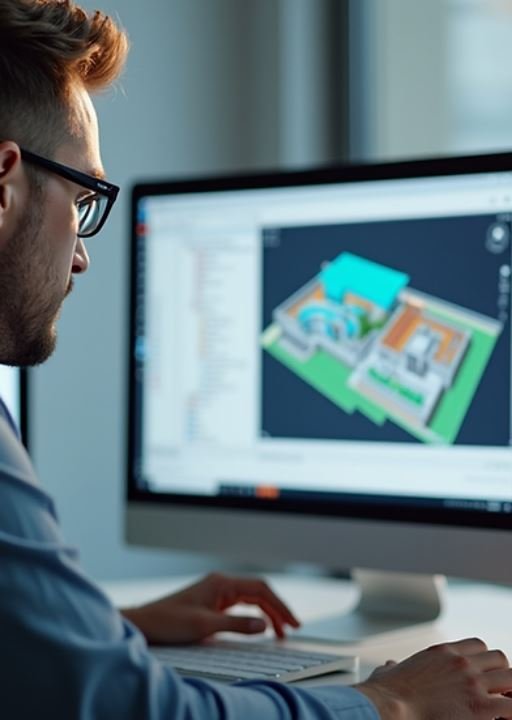
BIM Engineer
Automate parameters, model audits and BIM quality checks
- Generative design: evaluate many design options quickly
- Automated audits: scripted model quality checks
- Clash triage: AI-prioritised critical clashes

Architect
Design alternatives and briefs turned into area statements
- Conceptual AI for rapid massing and ideation
- Autodesk Forma for real-time site analytics
- Layouts checked against building regulations
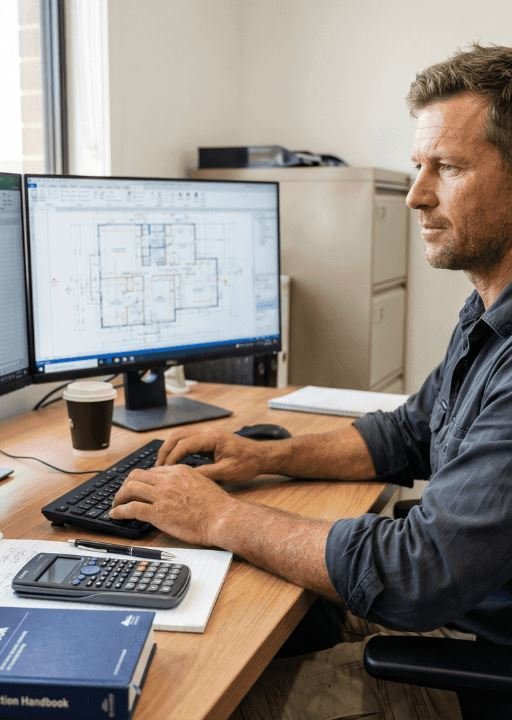
Estimation / QS
Extract quantities from BOQs and compare vendor quotations
- Smart takeoffs: counts extracted from 2D PDFs
- Material cost forecasting from market data
- Anomalies highlighted across subcontractor quotes

Planning Engineer
Spot delays early and automate planned vs actual reports
- Critical path optimised as conditions change
- Weather and resource risks flagged weeks ahead
- 4D: progress linked to the visual model
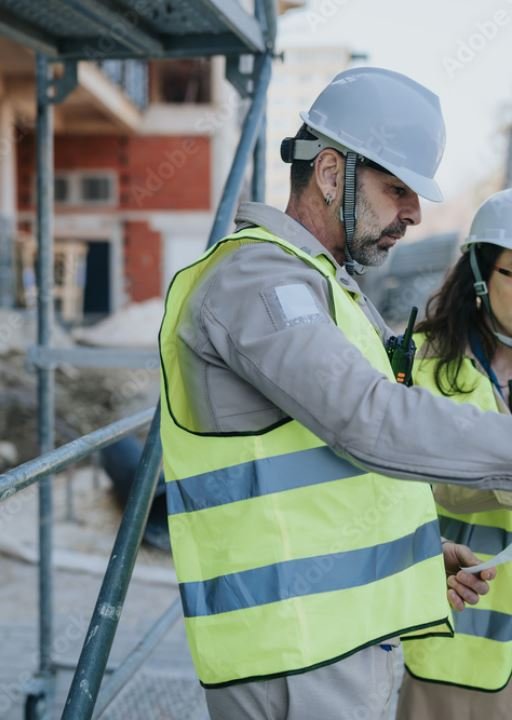
Site Engineer
WhatsApp updates, voice notes and photos into DPRs
- Daily progress dictated into structured reports
- Installation errors flagged from site photos
- Safety permits issued from a phone

QA/QC Engineer
Automate inspection reports and track NCRs and RFIs
- Non-compliance reports drafted from a single photo
- Inspection data linked to model elements
- QR codes to verify material batch approvals

Project Manager
AI dashboards and automated weekly and monthly reports
- Real-time portfolio health dashboards
- Projects drifting off budget or schedule flagged early
- Site meetings turned into assigned actions

Procurement
Compare quotations and track delivery delays
- Supplier alternatives found faster
- Purchase orders drafted from standard templates
- Critical deliveries tracked in real time

Contracts & Commercial
Find key clauses, variations and claims in contracts
- Claim substantiation extracted from daily reports
- High-risk variations flagged in tenders
- Site progress linked to payment valuations
Small, useful tools.
No software degree required.
Daily report summariser
Turns site notes into a clean management summary
Chat-to-progress tracker
Converts WhatsApp updates into a structured log
Material delivery tracker
Flags late deliveries before they stop work
Document Q&A assistant
Answers questions from specs, contracts and drawings
Snag & issue organiser
Groups defects by location, trade and priority
Progress dashboard
Planned vs actual, labour and blockers at a glance
90 minutes,
planned minute by minute.
No long lectures: a poll, a live build and a hands-on challenge.
Opening
Who builds the technology behind buildings? The AEC AI Builder path and what you will take away today.
Construction is a technology opportunity
Where projects lose time and information, and five areas where technology changes the work.
Think like a product builder
Problem-first thinking and a simple framework from problem to value.
Live demo: build with AI
Turn a messy site report into structured data, a management summary and an action list.
Your turn
Small groups solve a real challenge: 15 WhatsApp updates into one reliable summary.
The opportunities ahead
Emerging AEC tech roles and what AI can do for your role.
Your next step
The weekend crash course, and how Artecon Learning BIM programs take you further.
From your first AI build
to an industry-ready BIM career.
- You are hereStage 1 · Masterclass
Discover what is possible
Opportunities in AEC technology, AI in action and a first taste of building.
- Length
- 90 minutes
- Outcome
- Register for the crash course
- Stage 2 · Weekend crash course
Build your first solution
A role-based mini project: a working prototype of your own, built hands-on with ChatGPT, Google Sheets, n8n or Make and Power BI.
- Length
- 2 days · 7 hours
- Outcome
- See what you can build
- Stage 3 · Artecon BIM course
Join an Artecon Learning BIM program
Go deeper with BIM Fundamentals, Intermediate or Picasso: live classes, real projects, mentoring and placement support.
- Length
- 60–180 days
- Outcome
- Industry-ready BIM skills and a project portfolio
Your AEC background
is the advantage.
Most software people don't understand construction. Domain knowledge becomes more valuable, not less, when you combine it with technology and product thinking.
- 5 rooms
- 5 doors
- 6 windows
Plan read. Walls, doors and room tags sent to a Revit model.
- 01Digital constructionBIM, connected sites and digital delivery
- 02AEC tech product managementDeciding what gets built, and for whom
- 03Project intelligence & data analyticsTurning project data into decisions
- 04AI workflow automationRemoving manual work from project teams
- 05AEC software entrepreneurshipBuilding your own product or startup
Good to know
Do I need to know coding?
No. The masterclass uses AI assistants such as ChatGPT. You do not need to become a software engineer to start building technology; you need to understand a problem and think clearly about the solution.
Who is the masterclass for?
Architecture, engineering and construction students, fresh graduates and early-career professionals in BIM, estimation, planning, site, project management, procurement and contracts.
How much does the masterclass cost?
The 90-minute masterclass costs ₹299. It is the first stage of the AEC AI Builder learning path.
What comes after the masterclass?
A weekend crash course (2 days, 7 hours) where you build a role-based mini project. From there you can join an Artecon Learning BIM program: Fundamentals, Intermediate or Picasso.
Your AEC knowledge is your foundation.
Technology can be your multiplier.
You don't need to become a software engineer to start building technology. Reserve your seat for ₹299: your Google Meet invite and WhatsApp group link arrive by email within minutes.
Secure checkout by Razorpay · UPI, cards, net banking and wallets
Paid but no confirmation email? Message us on WhatsApp with your payment ID.